Ports and Connectors | Your Laptop Repair
JOB · SERVICE / PORTSThe ports around the edge of a laptop take more punishment than anything else on the machine. They are plugged and unplugged daily, caught on cables, and packed against the inside of a bag. A port fault can be a bent pin, packed debris, a cracked solder joint or a failed connector on the board.
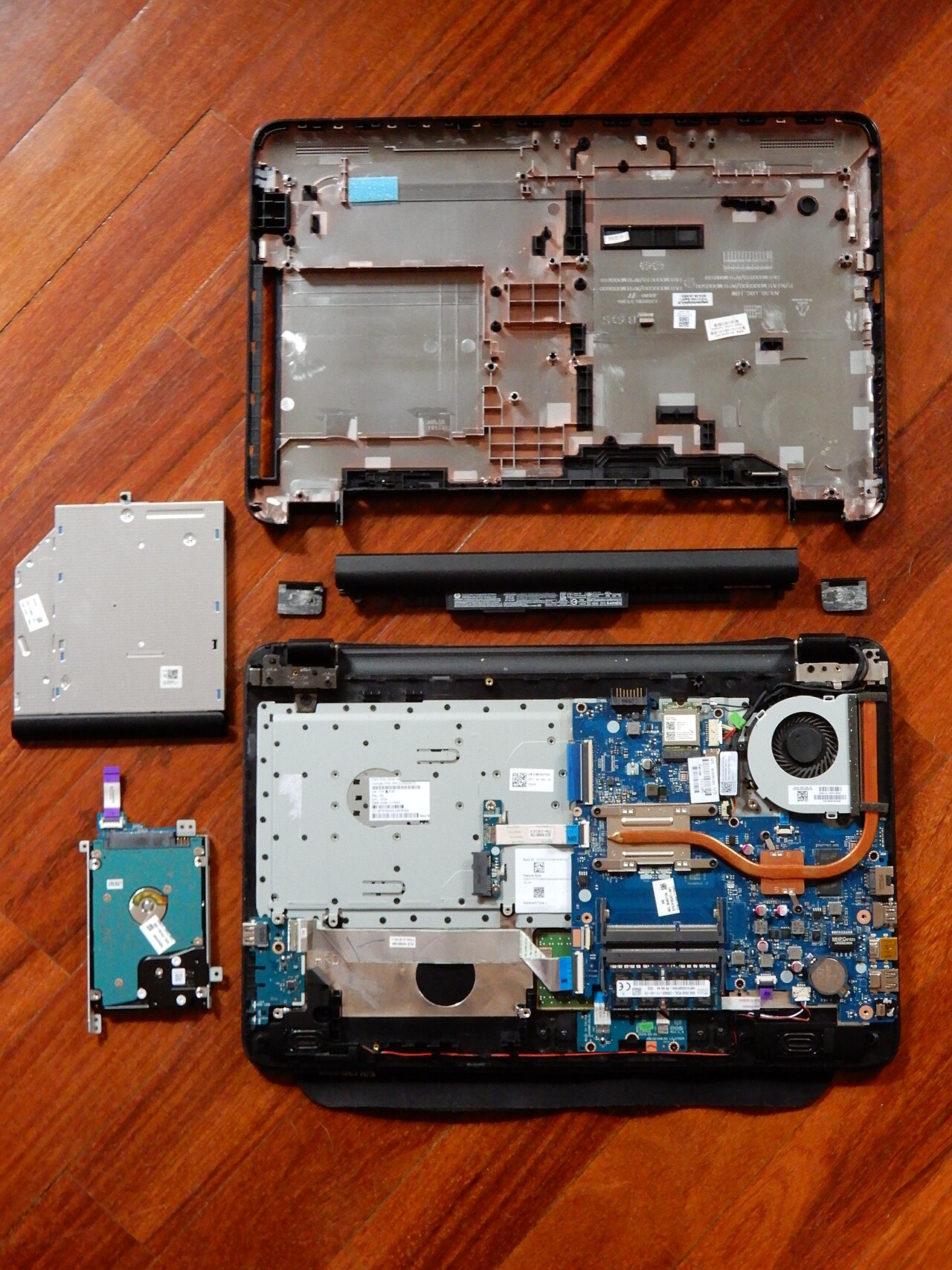
Ports and the faults that reach us
Loose sockets that need the plug held at an angle, sockets that no longer grip, and sockets that have been levered sideways by a caught cable. These are re-soldered or replaced depending on how the board is built.
Monitor outputs, memory card slots and data ports that have stopped. The connector, the pins and the board joint are all checked, because a dead output can be a damaged port or a failed chip behind it.
Pocket lint, dust and grit pack into a socket and stop it making contact. Bent pins are straightened where the design allows. Some ports cannot be repaired once their pins are crushed, and are replaced instead.
Sockets that only work in one ear, or only when the plug is wiggled, and card readers that no longer see a card. These often sit on a small board of their own, which can make the repair simpler.
The order of work
- Confirm the port is at fault. A known-good cable and a known-good device are tried, so a failed cable is not mistaken for a failed port.
- Inspect under magnification. Pins, debris and the joint to the board are examined before anything is moved.
- Clean or straighten where that is the answer. Debris is removed and pins are straightened where the socket is sound beneath.
- Re-solder or replace where it is not. A cracked joint is re-soldered. A dying socket is replaced with a matching part.
- Test with real devices. Each repaired port is tested with an actual cable, card or device rather than a multimeter reading alone.
What it usually costs
| Work | Typical band | Notes |
|---|---|---|
| Clean or straighten a socket | Lowest range | Where the socket is otherwise sound |
| Charge socket re-solder | Lower range | Common and often good value |
| Port connector replacement | Lower to mid range | Depends on how the connector is mounted |
| Charging control fault | Mid range | Board-level, quoted after diagnosis |
Looking after the ports
Most port damage is caused by a cable being pulled sideways while it is still plugged in. Lifting a laptop by an attached cable is the single most damaging habit here, and a cheap right-angle adapter can take the strain instead of the socket. When unplugging, grip the plug rather than the lead. If a socket feels loose, stop using it for charging straight away, because a loose socket that keeps being used can tear the solder pads from the board, and that turns a modest repair into a board-level one.
If a card reader or a monitor output has failed and the port looks fine, it is still worth having it checked, because the fault may sit in the connector on the board rather than the socket you can see.